


Knowing when earbuds are fully charged helps extend battery life and ensures they are always ready for daily use. Many users ask how to know when true wireless earbuds are fully charged, especially when indicators differ between models. Proper charging not only prevents unexpected battery drain but also supports long-term battery health. This guide explains visual indicators, charging case signals, and app-based methods that make checking charge status simple and reliable.
Charging Basics for True Wireless Earbuds
Understanding how true wireless earbuds charge is essential for recognizing when they are fully powered. Most true wireless earbuds charge automatically once placed into their charging case, using small contact pins that transfer power directly to the earbuds.
The charging case itself must also be charged, typically via a USB-C or micro-USB cable, while some modern cases support wireless charging pads. Charging times vary by model, but most earbuds reach a full charge within 1 to 2 hours under normal conditions.
Visual Indicators on Earbuds and Charging Case
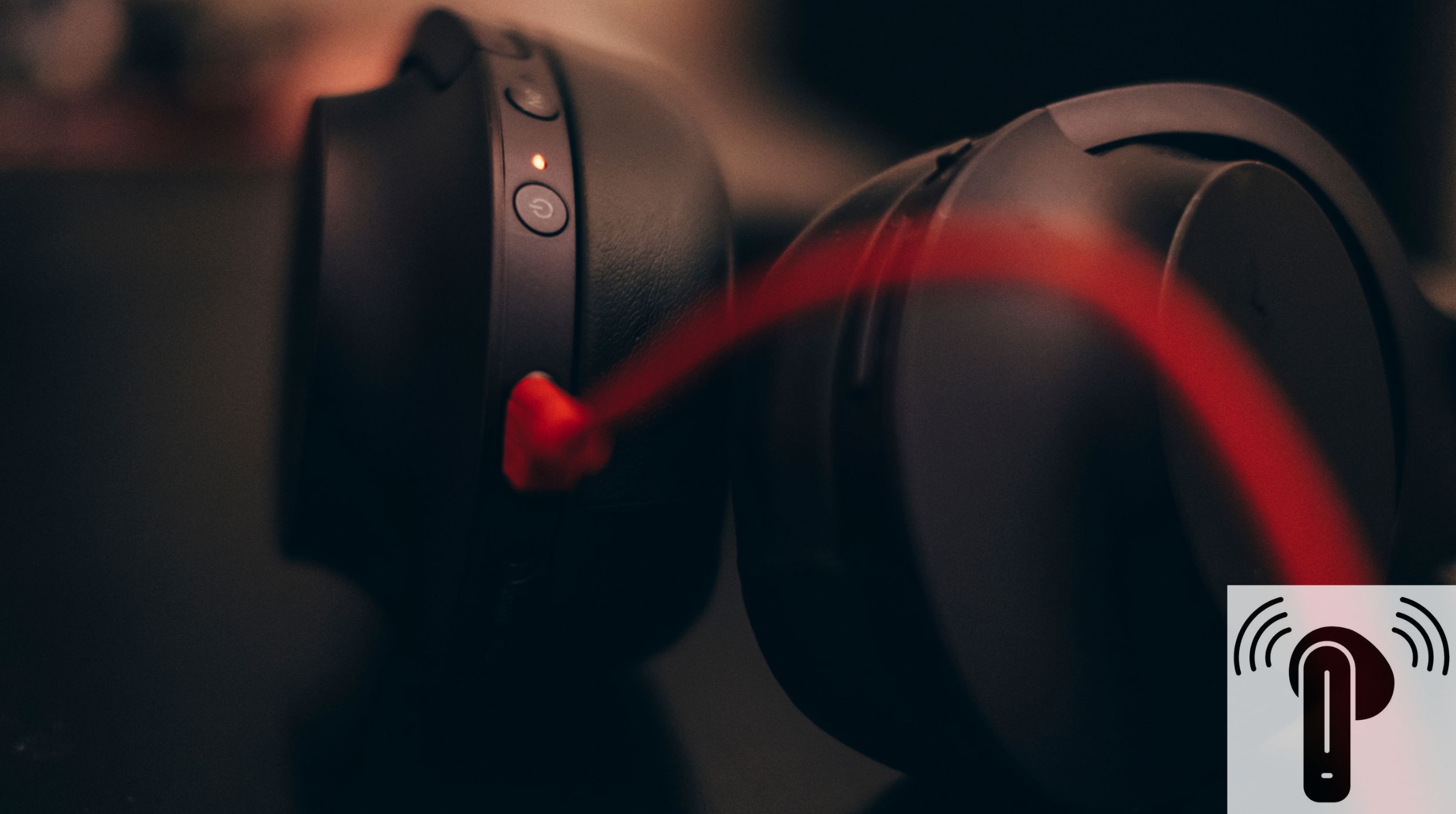
LED indicators are the most common way to check charging status. While colors may vary slightly by brand, the general meanings are consistent across most true wireless earbuds.
A green or white light usually indicates that the earbuds are fully charged. Red or orange lights typically mean the earbuds are still charging. In some designs, the light turns off entirely once charging is complete, which can also signal a full charge depending on the model.
The charging case often has its own LED indicator, showing whether the case itself is charging, partially charged, or fully powered.
Using the Companion App or Device Battery Indicator
Many true wireless earbuds provide digital battery information through a smartphone connection. When paired via Bluetooth, most phones display a battery percentage or icon for the earbuds, and sometimes for the charging case as well.
Some brands offer dedicated companion apps that show real-time charging progress, separate battery levels for each earbud, and notifications when charging is complete. This method is one of the most accurate ways to know when true wireless earbuds are fully charged, especially for users who want precise battery percentages instead of relying on LED colors alone.
Charging Time Guide: How Long Is Enough?
While indicators are helpful, charging time also offers a useful reference point. Most true wireless earbuds take approximately 60 to 90 minutes to fully charge once placed in the case. Charging the case itself usually takes longer, often between 2 and 3 hours.
Fast-charging models reduce waiting time significantly. For example, some earbuds provide up to one hour of playback from just a 10-minute charge, making quick top-ups especially convenient for users on the go.
Tips to Ensure Proper Charging
To make sure earbuds charge correctly and reach a full battery every time, a few simple habits make a big difference. Earbuds should always be placed securely in the charging case, ensuring the contact pins align properly.
Keeping charging contacts clean helps maintain consistent power transfer, as dust or debris can interrupt charging. Using the original charging cable and a reliable power adapter is also recommended. Additionally, it’s best to avoid exposing earbuds or charging cases to excessive heat, which can negatively affect battery performance over time.
How Ordtop Makes Charging Clear and Easy
Ordtop earbuds are designed with user-friendly charging features that remove guesswork. Clear LED indicators on both the earbuds and charging case provide immediate visual confirmation of charging status.
Select models also include voice prompts or app-based battery updates, allowing users to check charge levels quickly and accurately. Fast-charging technology minimizes downtime, helping users stay connected with less waiting and more listening.
Stay Powered with Confidence
Understanding how to know when true wireless earbuds are fully charged makes everyday use smoother and more reliable. By checking LED indicators, using phone battery displays or companion apps, and following proper charging habits, users can keep their earbuds ready whenever they need them.
Charging the right way not only improves convenience but also helps maintain long-term battery health. For those looking for fast charging, clear indicators, and dependable battery performance, exploring modern Ordtop earbud models is a smart next step.