

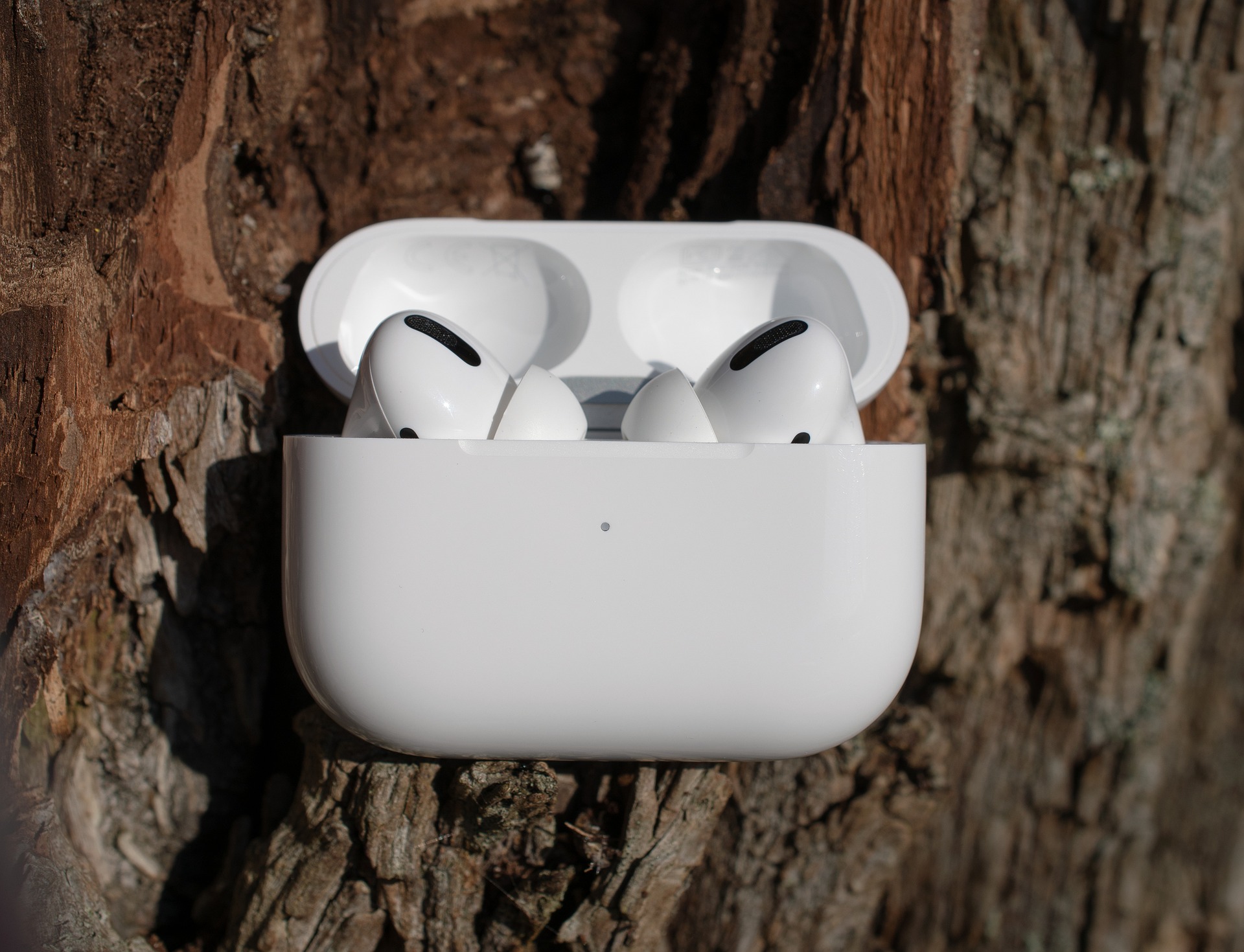

It’s a scenario almost every wireless earbud owner runs into: you’re rushing out the door, your earbuds are already at 100%, but you notice the charging case itself is completely dead. Or perhaps you’re trying to preserve your battery health and wondering if you can plug the case into the wall while leaving your earbuds on your desk.
The short answer is yes, you can absolutely charge just the earbuds case by itself.
Modern True Wireless Stereo (TWS) technology is built with independence in mind. Understanding how your case and earbuds manage power separately not only saves you time but also extends the overall lifespan of your favorite audio gear. Let’s dive into how this battery ecosystem works and how to optimize it for your daily routine.
How the Charging Ecosystem Works
To understand why you can charge the case solo, it helps to look at the anatomy of modern TWS setups. Your wireless earbuds and their charging case actually house completely separate lithium-ion batteries.
[ Wall Outlet / Power Source ]
│
▼ (USB-C Cable)
┌──────────────────────────────────────┐
│ Earbud Charging Case │ ◄── Can be charged independently!
│ (Houses its own internal battery) │
└──────────────────┬───────────────────┘
│
▼ (Magnetic Pogo Pins)
┌──────────────────────────────────────┐
│ Wireless Earbuds │
│ (Charge inside the case when idle) │
└──────────────────────────────────────┘
The case essentially acts as a specialized, pocket-sized power bank designed specifically for your earbuds. When you plug a USB-C cable into the case, the electricity flows directly into the case’s internal battery. It does not require the earbuds to be docked inside to complete the electrical circuit.
What Happens When You Charge the Case Alone?
- Direct Power Routing: The current safely juices up the case’s battery cells.
- Smart Shutdown: The internal charging pins inside the cradles remain safely inactive since no earbuds are detected.
- No Overheating: Because power isn’t being transferred twice (from wall to case, then case to earbuds), the setup stays exceptionally cool, which is great for long-term battery health.
The Benefits of Charging Your Case Separately
Constantly keeping your earbuds docked while charging the case isn’t always ideal. In fact, separating them can offer a few distinct advantages for active users.
1. Zero Interruption for Your Routine
If you are settling in for a long remote workday, a intense gym session, or a heavy gaming stint, the last thing you want is to lose your audio. You can keep using your earbuds to stream music or take crystal-clear calls while your case plugs into a wall outlet across the room. By the time your workout or meeting is done, your case will be fully topped off and ready to receive your earbuds.
2. Battery Longevity and Health
Lithium-ion batteries degrade faster when exposed to excessive heat. While premium earbuds are engineered with protective circuitry to prevent overcharging, charging both the case and the earbuds simultaneously generates slightly more ambient heat. Charging the case alone minimizes this thermal stress, preserving the capacity of your earbuds over time.
Never Guess Your Battery Life Again: The Ordtop Advantage
While charging the case independently is incredibly convenient, it can sometimes lead to guesswork. With traditional earbud cases, you are often left guessing what “a blinking red light” or “a solid amber LED” actually means. Is the case at 10% or 40%?
This is where advanced design makes a massive difference. Ordtop TWS earbuds eliminate this friction entirely by integrating an iconic LED dual digital display directly onto the front of the case.
True Real-Time Monitoring
When you plug an Ordtop case into a charger—whether the earbuds are inside or not—the exterior LED panel flashes the exact percentage of the case’s battery (from 1% to 100%). Furthermore, separate power bar indicators show you the charging status of the left and right earbuds individually.
This means you can glance across the room, see a clear digital “100,” unplug the ultra-lightweight case, and know with absolute certainty that you have days of playback time ready to go.
Pro-Tips for Safe and Efficient Charging
To get the most mileage out of your audio setup, keep these quick best practices in mind:
- Use the Right Cable: Always opt for a high-quality Type-C cable. Ordtop devices utilize optimized USB-C fast charging, allowing you to get hours of playback from just a short 15-minute charge.
- Mind the Water Resistance: Many modern earbuds feature impressive waterproofing (such as Ordtop’s IPX7 or IPX8 ratings), making them completely immune to sweat and heavy rain during outdoor runs. However, charging cases are generally not waterproof. Always ensure the charging port on your case is completely dry before plugging it into a power source.
- Avoid Total Depletion: Try not to let your charging case drop to 0% frequently. Tapping into a power source when the LED display reads around 20% keeps the lithium-ion chemistry stable and healthy.
The Bottom Line
You can confidently leave your earbuds in your ears or on your desk while you plug your case into the wall. This split-charging capability ensures that your music never has to stop just because your case needs a power boost. By choosing hardware with clear, dedicated battery metrics like Ordtop’s dual LED displays, managing your portable power becomes completely effortless, keeping you connected to your music, your workouts, and your day without missing a beat.