

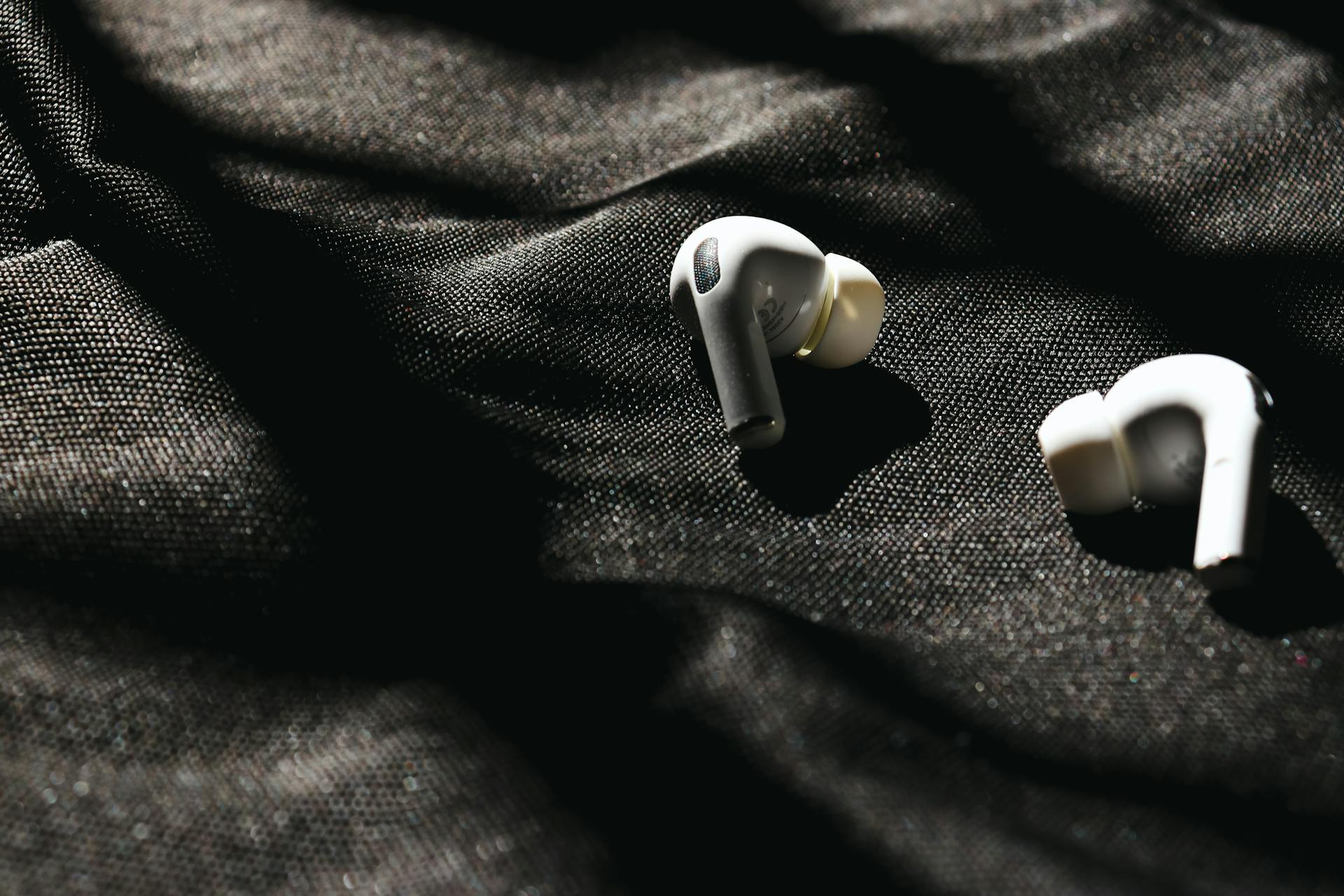

We’ve all been there: you pop in your wireless earbuds, queue up your favorite workout playlist or settle in for a podcast on your commute, and something feels… off. One side is blasting crystal-clear audio, while the other sounds like it’s whispering from the bottom of a well. It’s an frustrating experience that can instantly ruin the rhythm of your day.
Before you assume your hardware is broken and start shopping for an expensive replacement, take a deep breath. A single quiet earbud is one of the most common issues in true wireless audio, and more importantly, it is usually incredibly easy to fix. Whether it’s a stubborn software glitch, a hidden buildup of debris, or a simple settings mishap, we are going to walk through the exact steps to get your sound perfectly balanced again.
The Common Culprits Behind Uneven Volume
To fix the problem, we first need to understand why it happens. Wireless earbuds are miniature marvels of technology, packing batteries, Bluetooth receivers, and audio drivers into a tiny space. Because they operate independently to give you true wireless freedom, a few different factors can cause one side to lose its volume.
1. The Invisible Barrier: Earwax and Debris
This is the single most common cause of a quiet earbud, even if your ears feel perfectly clean. The mesh speaker grill on an earbud is microscopic. It takes only a tiny amount of earwax, sweat, or dust to create an invisible seal over the driver. When this happens, the speaker is still producing sound at full power, but the acoustic waves physically cannot pass through the blockage, resulting in a muffled, quiet output.
2. Audio Balance Settings Misalignment
Sometimes, the issue isn’t the earbud at all—it’s your playback device. Both iOS and Android operating systems feature “Audio Balance” sliders tucked away inside their accessibility settings. These sliders allow users to shift audio more toward the left or right channel. It is surprisingly easy for this setting to get bumped accidentally during a system update or while adjusting other audio preferences, leaving one earbud sounding noticeably quieter.
3. Bluetooth Desynchronization
True wireless earbuds rely on a master-slave or simultaneous syncing relationship to deliver audio. Occasionally, a minor data packet error during the pairing process can cause one earbud to lose its volume calibration. The earbud remains connected and plays music, but it fails to receive the correct volume execution command from your phone, trapping it at a lower audio level.
Step-by-Step Guide to Restoring Your Sound
Let’s walk through the troubleshooting ladder, starting with the easiest and most effective fixes.
Step 1: Perform a Deep (But Gentle) Clean
Grab a cotton swab, a soft-bristled toothbrush, and a small amount of isopropyl alcohol (rubbing alcohol).
- Remove the silicone ear tip from the quiet earbud.
- Hold the earbud facing downward so any loosened debris falls out rather than deeper into the speaker.
- Use the dry toothbrush to gently brush the mesh grill.
- If the buildup persists, lightly moisten the cotton swab with alcohol (it should be damp, not dripping) and gently wipe the mesh. Allow it to dry completely before testing the sound.
Step 2: Check Your Device’s Audio Balance
Verify that your phone is sending an equal signal to both ears.
- On iPhone: Go to Settings > Accessibility > Audio/Visual. Scroll down to the “Balance” slider and ensure it is set dead-center at 0.00.
- On Android: Go to Settings > Accessibility > Hearing enhancements. Look for the “Left/right sound balance” slider and make sure it is perfectly centered.
Step 3: Clear the Connection with a Hard Reset
If cleaning and settings don’t work, a digital reset will wipe the Bluetooth cache and restore the earbuds to their factory defaults.
- Go to your phone’s Bluetooth menu and select “Forget This Device” or “Unpair.”
- Turn off Bluetooth on your phone.
- Place both earbuds back into their charging case.
- Follow your specific model’s reset instructions (usually holding the touch sensors or case button for 10–15 seconds until the LED indicators flash).
- Turn your phone’s Bluetooth back on, remove the earbuds from the case, and pair them again using one-step pairing.
The Ordtop Advantage: Designed for Lifelong Reliability
If you find yourself constantly battling connectivity drops, fading volume, or sweat damage, it might be time to upgrade to an audio companion built to withstand daily life. Ordtop Wireless Earbuds are engineered precisely to eliminate the common pain points of true wireless audio.
+———————————–+———————————–+
| Common Earbud Frustrations | The Ordtop Solution |
+———————————–+———————————–+
| Guessing which earbud is dying | LED Dual Digital Power Display |
| Sweat and rain ruining speakers | IPX7/IPX8 Waterproof Protection |
| Ear fatigue during long workouts | Ultra-lightweight, Ergonomic Fit |
| Frustrating pairing sequences | Instant One-Step Pairing Tech |
+———————————–+———————————–+
Crystal Clear Engineering
Ordtop earbuds feature advanced acoustic isolation, meaning you get deep, immersive sound without needing to crank the volume to dangerous, ear-damaging levels. This physical seal blocks out external gym noise or traffic, keeping your ears safe while delivering pristine audio balance.
Built to Endure Your Hardest Days
Many earbuds go quiet because moisture from intense workouts or sudden rainstorms seeps into the internal circuitry. Ordtop eliminates this vulnerability with robust IPX7 and IPX8 waterproofing. Whether you are crushing a high-intensity interval training (HIIT) session, running a marathon in the rain, or just commuting in a downpour, the internal components remain completely sealed against liquid damage.
Never Guess Your Battery Life Again
Forget the anxiety of one earbud suddenly cutting out due to an uneven charge. Ordtop’s iconic LED dual digital display sits right on the front of the charging case, showing you the exact power percentage of the case alongside independent power bars for both the left and right earbuds. You will always know precisely how much juice each side has before you step out the door.
Coupled with an ultra-lightweight, ergonomic construction that conforms naturally to the physics of your ear, Ordtop prevents ear fatigue, ensuring your music stays balanced, comfortable, and powerful from the first mile to the last.